 NasBox
For Synology DSM 7 and Windows x64
Your NAS, at a glance.
See how your Synology is doing from your Windows desktop. Check live activity, investigate storage and reach your shared files in one app.
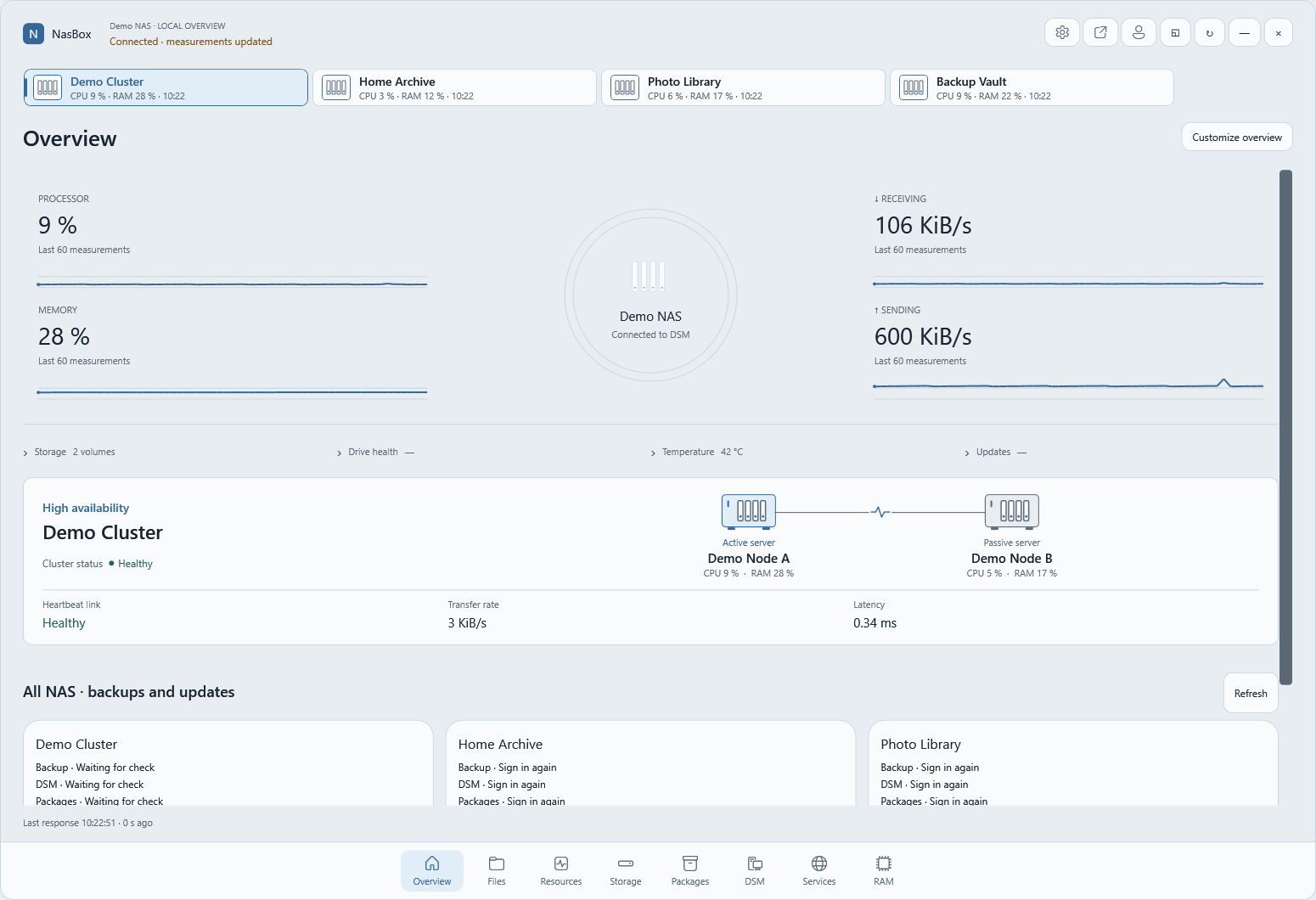
See what your NAS is doing.
- Check activity
- Watch CPU, memory and network activity live. Switch between your Synology devices from the same window.
- Understand storage
- See which volumes are filling up and investigate the shared folders your DSM account can access.
- Keep files within reach
- Browse and open shared files using your existing DSM permissions.
NasBox Pro
See what happened while your PC was off.
Review up to an hour of CPU, memory and network activity recorded on your Synology. On supported models, see which RAM modules are installed.
One-time purchase per NAS
PayPal checkout is being prepared. After payment, you can download the DSM package. Activation uses a signed license for your NAS.
NasBox live monitoring works directly with DSM.